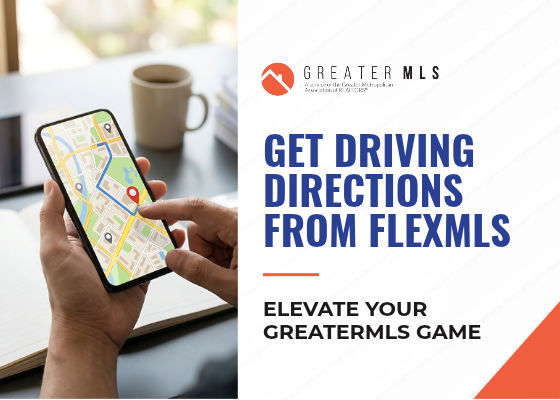
Plan Your Showing Route in Seconds: Driving Directions in the Flexmls Pro App
Showing day can be busy. You’re confirming appointments, answering client texts, and trying to get to the next property on time. You shouldn’t also be copying addresses from one app into another.
The Flexmls Pro app, part of your GreaterMLS membership, can create driving directions to your listings right from your phone. You don’t have to retype addresses or switch between screens. Pick the properties and go.
Watch the quick video below to see how it works, step by step.
CHECK OUT THE STEP BY STEP GUIDE HERE
Why use this feature?
- Save time on showing days. Get from listing to listing without re-entering addresses.
- Be prepared in front of clients. Your route is ready on your phone when your buyers get in the car.
- Stay organized on the go. Your listing details and directions sit together in one app.
Don’t have the Flexmls Pro app yet? Download it free from the Apple App Store or Google Play and sign in with your GreaterMLS credentials.
Want to learn more? GreaterMLS has more how-to videos and training to help you get the most from Flexmls. Check back here for more quick tips, or contact GreaterMLS Support if you need help.